Windows Firewall Settings Policy.
Windows Firewall with Advanced Security plays a key role in a layered security strategy. It provides host‑based, two‑way network traffic filtering, helping protect the device by blocking unauthorized inbound and outbound network connections.
Follow the below steps to deploy Windows Firewall Policy.
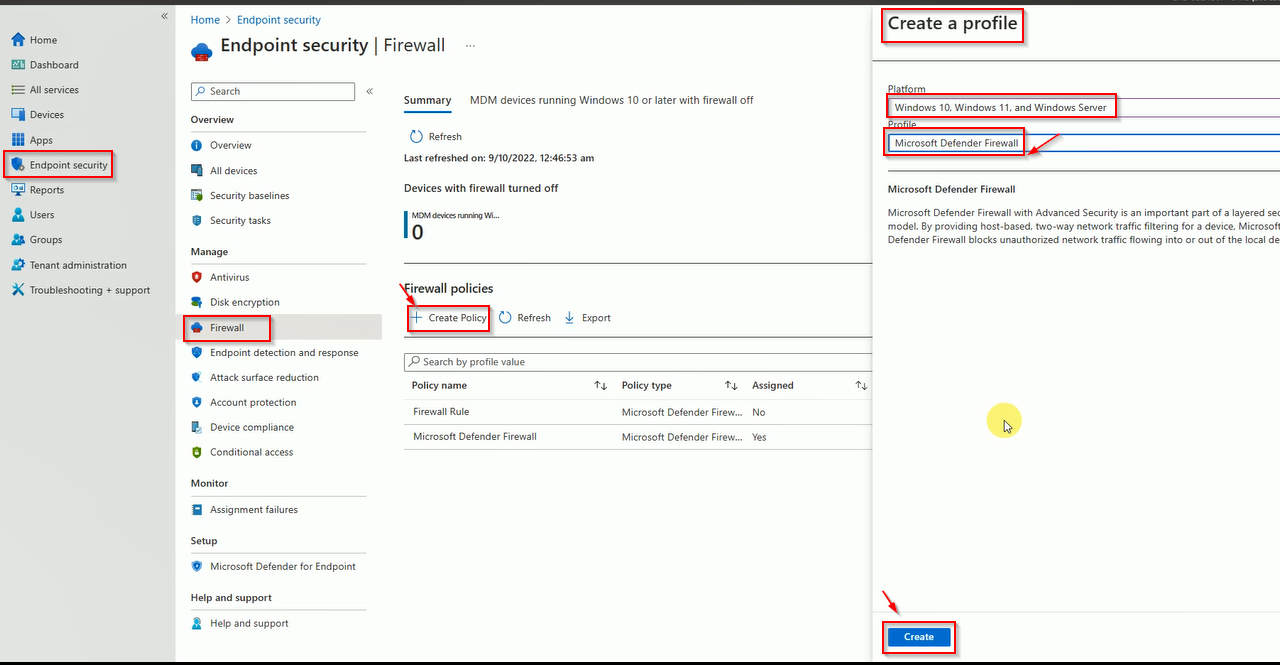
Login to Intune, Click on Endpoint Security then click on Firewall, then Click on Create New policy. Select Windows under Platform and Windows Firewall in Profile.
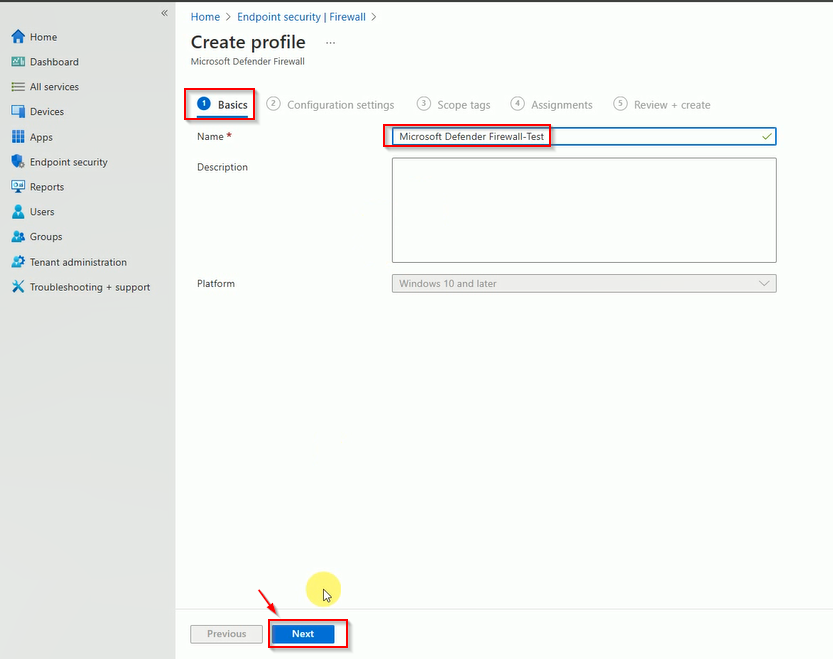
Enter the Policy name and click on Next.
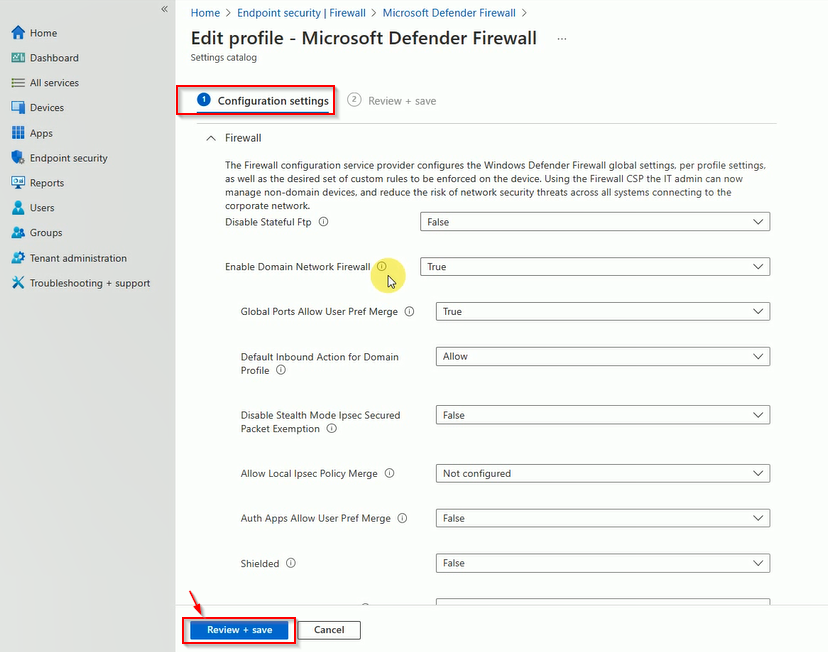
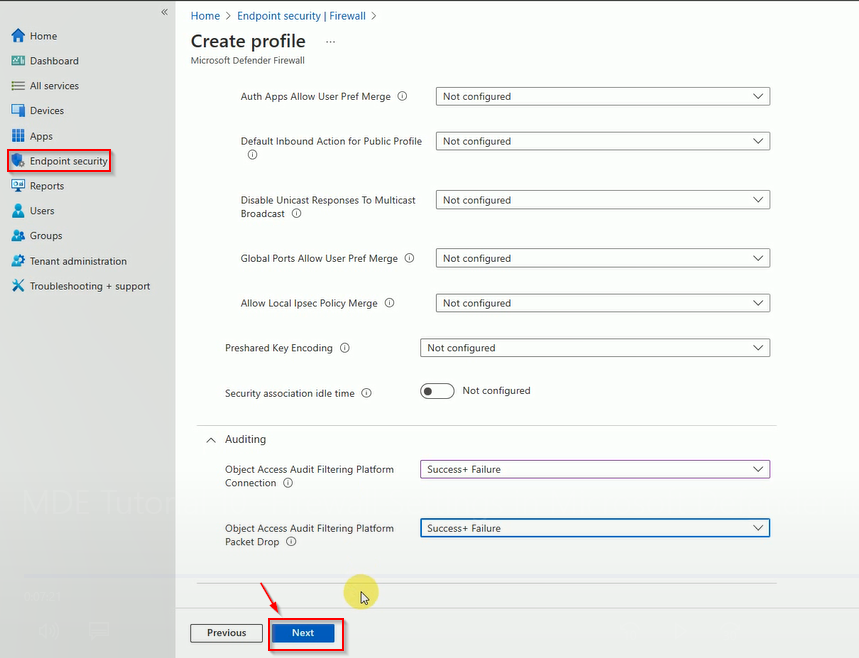
Select all appropriate settings recommended by your Origination, then check on Next.
Here is some recommendations.
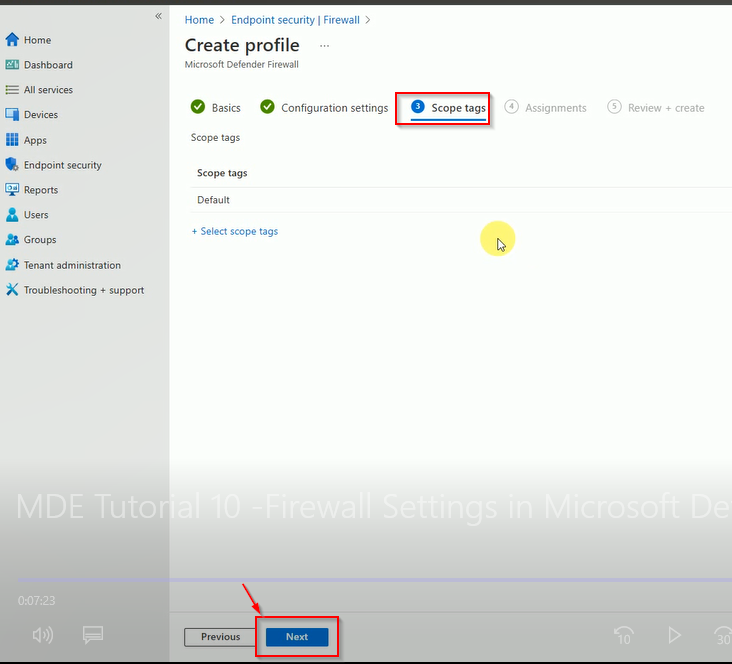
Select the tag if needed.
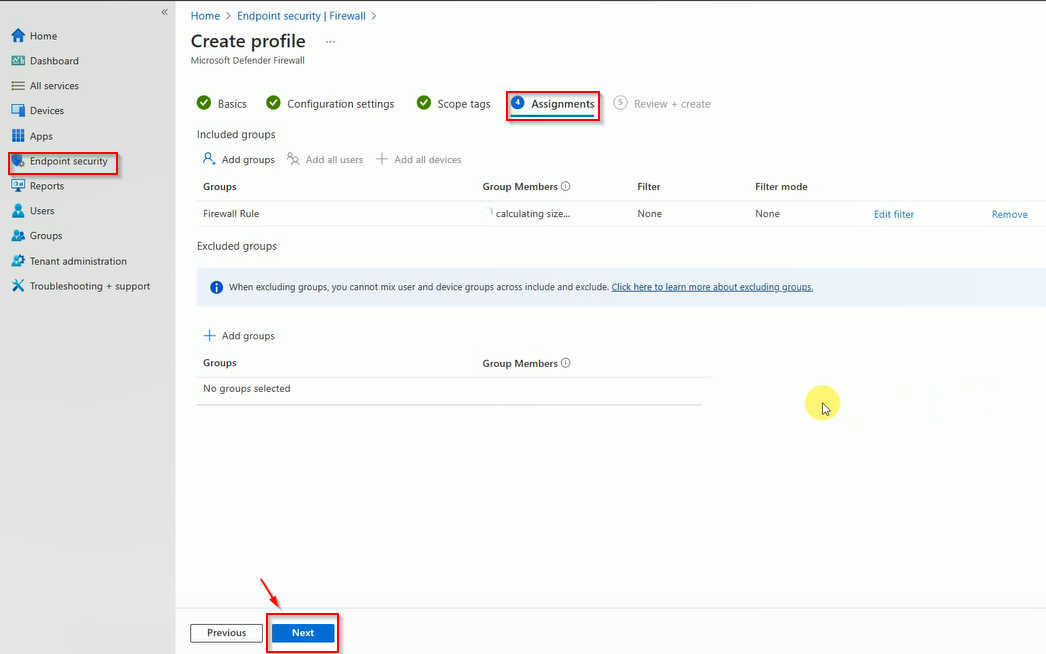
Select the group name where you want to deploy the policy.
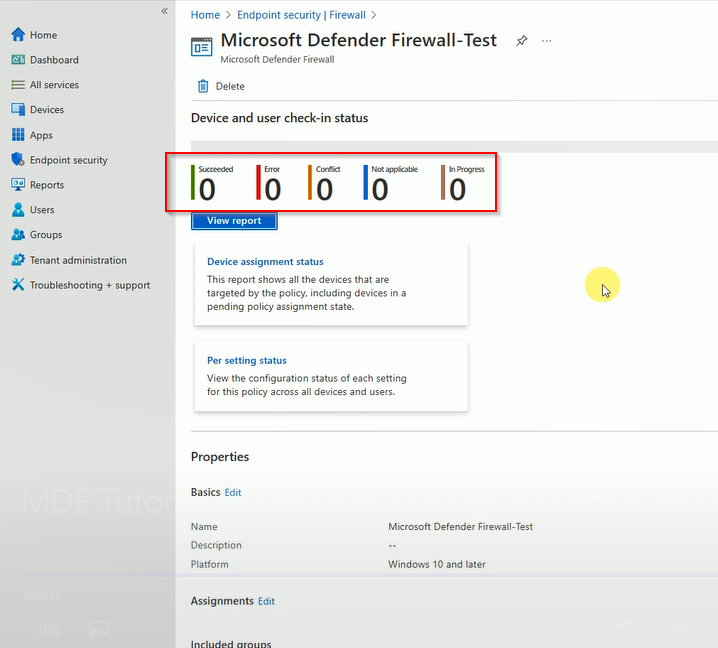
Once you create the policy, search the policy name and open to review the deployment status.
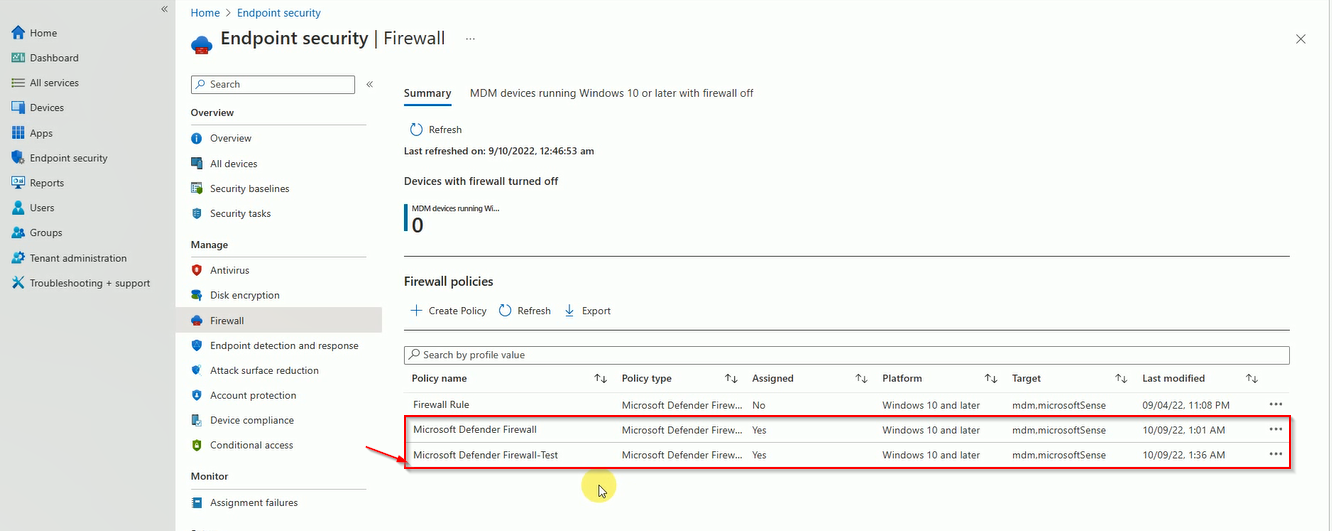
Here is the Policy Deployment status.